



Order & Payment
❮ Back to Frequently Asked Questions
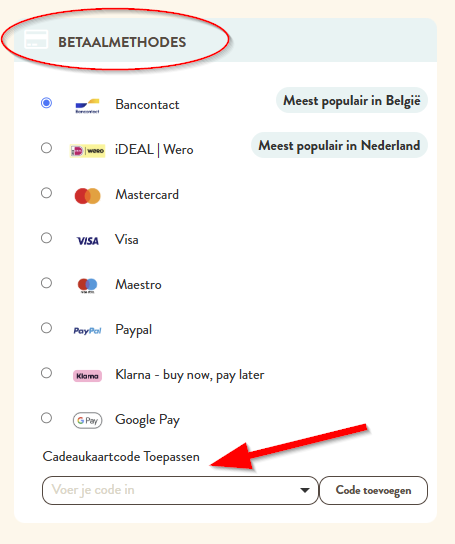
You can pay securely online with Bancontact, iDEAL | Wero, Maestro, Mastercard, Visa, PayPal, Apple Pay, Klarna and Google Pay. All payments are processed through the MultiSafepay payment platform.
Not just yet. At the moment, you cannot pay with eco vouchers at Cats & Dogs, either in our stores or online.
Once you have entered all your details, you can pay securely using various payment methods through the MultiSafepay payment platform we work with. Your payment is processed via a secure HTTPS connection.
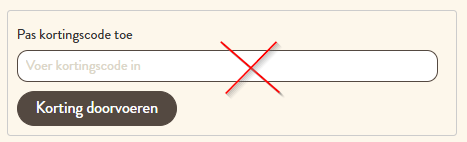
Great, you've received a lovely gift: a Cats & Dogs gift card! How can you use it? Enter your gift card code in the 'Your order' overview, at the bottom of the payment methods section. Please note: a gift card is not a discount code!
Great that you've received a discount code!
You can enter your discount code in two places:
- In your shopping cart: just above the 'Proceed to Checkout' button.
- During checkout: just above the 'Place Order & Pay' button.
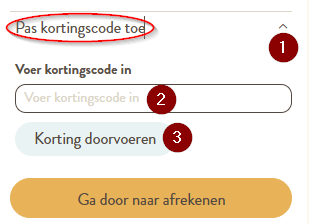
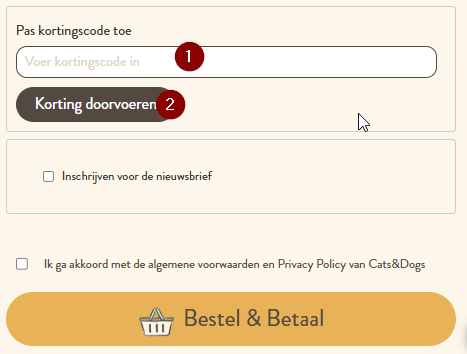
Is your discount code valid? The discount will then be applied automatically.
What a lovely idea, of course you can! Here (gift card link), you can choose how much you would like to give.
Tip: you can even personalise the gift card, for example by adding a beautiful photo of the birthday pet or the special person you're giving it to.
Choosing the right food for your four-legged friend isn't always easy. Do you have a picky eater? Does your pet suffer from an allergy or intolerance? Have you started feeding a special diet on your vet's recommendation, but would you prefer to switch to natural food that offers similar benefits? Get in touch with Jordy, our pet nutrition expert. He will be happy to help you find the right food for your dog or cat. Contact him here.
Log in to My Account to view all your details and download your invoices.
Yes, you can! Is an item temporarily out of stock? Enter your email address (1) and click 'Subscribe' (2). As soon as the item is available again, you'll automatically receive an email so you can easily order it.
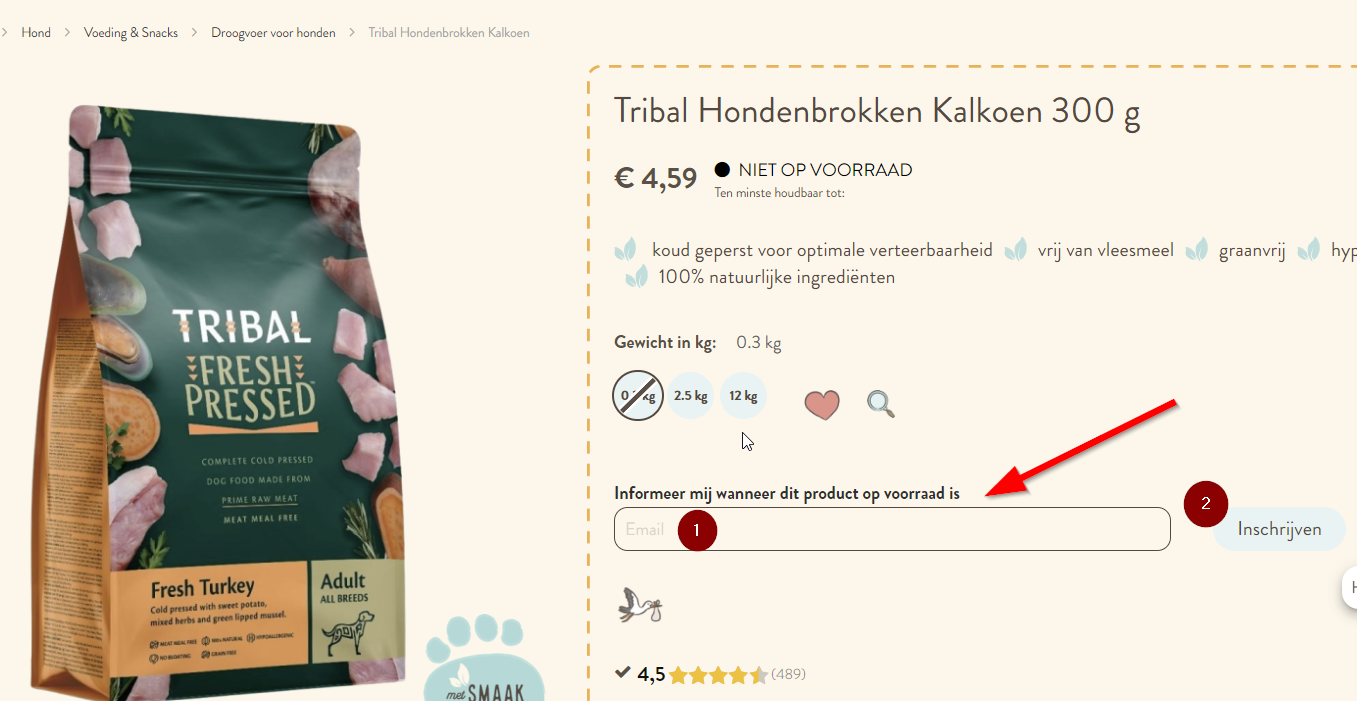
Are you logged in to your account? Then you don't need to enter your email address again. Simply click 'Submit' to sign up for the back-in-stock notification.